Showing posts with label Apple. Show all posts

Tuesday, 23 June 2015

User experience - Apple support in Egypt: Thanks Apple!

In comparison to my frustration last year trying to figure out an issue with my iPhone in my home country Egypt, I was very satisfied few days ago when I approached the company for an iOS support ticket. It's understood that Apple has no Apple stores in Egypt, only re-sellers, and the iPhones especially are supported through the mobile network operators. So those who purchase their handsets from outside the country, like my case, are mostly left behind with very limited support through the re-sellers.

My story started when I first tried to enable keychain on my device. To complete the operation, I should receive the security code on my registered phone number with Apple; however, since I purchased my device from Geneva, it looks like I have selected the country as Switzerland when I first set it up. Hence, whenever the service tries to send to me an SMS, it never reaches me as it was addressing my correct Egyptian number, except with a Swizerland's prefix.

https://www.apple.com/eg/support

Contact Us --> Get Started --> Select a product --> Select a topic --> "This Topic is not listed" --> Fill in the topic details -->


I have started my support request through Apple's online chat where the agent advised me to dial Apple support through the phone since resetting my account information requires verification which cannot be completed through the chat window. Moreover, he kindly shared a list of contacts which did not include Egypt and advised me to call the nearest location if my country is not listed. Before I do, I gave it a second shot for searching again on the Apple official site for support contacts until finally I found a toll-free support number (0800 000 0888) which answered with the reply that my call was outside the working hours. Another visit to the website, I was amazed to find a support call-in service with doubts that it might even work in Egypt. Anyway, I decided to give it a try and reserved an appointment annotated with my request topic. On the pre-defined time, I received the call which started by few minutes of waiting time. Then an agent replied and asked me about my issue, and looks like she recorded it very professionally and consulted someone or or another system. Finally, after some relatively long waiting period, she kindly returned with questions for verifying my identity, then some more waiting time which seams to me that she was waiting for her system interface to respond. Consequently she very patiently helped me through the resolution and confirmed it before we close the line.

Overall, I can say I had a very good user experience, starting from the scheduled call, passing by the very helpful agent, and more importantly she was able to find a way to resolve my issue in a single call.

It is worth mentioning that I questioned the location of the call center which turned out to be located in Athens; however, all the experience I perceived was merely Egyptian; the whole call was in the local Egyptian accent. Impressed!

I believe this post is my thank you token for Apple and that dedicated agent!

Thursday, 6 November 2014

Moving iPad Keyboard - docking\undocking

The trick is that you have to keep tapping the keyboard button until the menu appears:

Undock:

Undocked:

 Dock:


Wednesday, 5 November 2014

Migrating contacts from HTC Cha Cha Android phone to iPhone

1) Export contacts from the device into the SD card memory in vcf file format. Unfortunately, this would be extracted into a single vcf file, so MS Outlook is unable to import directly.

2) Convert this single file into a vcf file per contact:
   a) Import the file into Windows Contacts: %userprofile%


   b) Export the contacts into vcf


3) Drag and Drop all the vcf files into the Contacts\People folder for MS Outlook 2013.

4) Export all the contacts from MS Outlook into csv file which is a very versatile format and widely supported.

5) Import the just exported file into any mail service, in my case, I have used my gmail account at http://www.gmail.com

6) Configure iPhone to contacts to synchronize with the gmail account.

7) Done! All your contacts are now within your iPhone phone application\service contacts.


HTC Cha Cha - Android OS
Windows 8.1
MS Office 2013
iPhone iOS 8.1

Sunday, 27 April 2014

Tip: Creating Apple ID without entering credit card information

1) Start from the App Store from your device.
2) Try to install a free application.
3) When prompted to enter your Apple ID, select the option for creating a new account.
4) Fill in your information. Moreover, you will find an option for the payment which is "None"
This option is unavailable when you try to create your Apple ID the regular way through the website.


The following are the detailed instructions from Apple knowledge base:
http://support.apple.com/kb/ht2534


Sunday, 16 February 2014

Replace your iTunes media Library by an existing media library

1) Change iTunes library:
Hold down Shift while clicking on the iTunes shortcut.


Choose Libarary... to point to your original library

2) Import existing library folders:
File menu is not enabled by default, to enable it press Alt + F

File --> Add Folder to Library... (Select your original library folder)


-- iTunes 11.1.4.62 (Windows)

Thursday, 7 November 2013

Tuesday, 15 October 2013

Delayed Screen layout after upgrading to iOS 7

iPhone 4s:
Original Passcode Screen

Incomplete Layout Screen

Although the device  remains responsive and can validate my Passcode and unlock successfully!

iPad 3rd Generation:
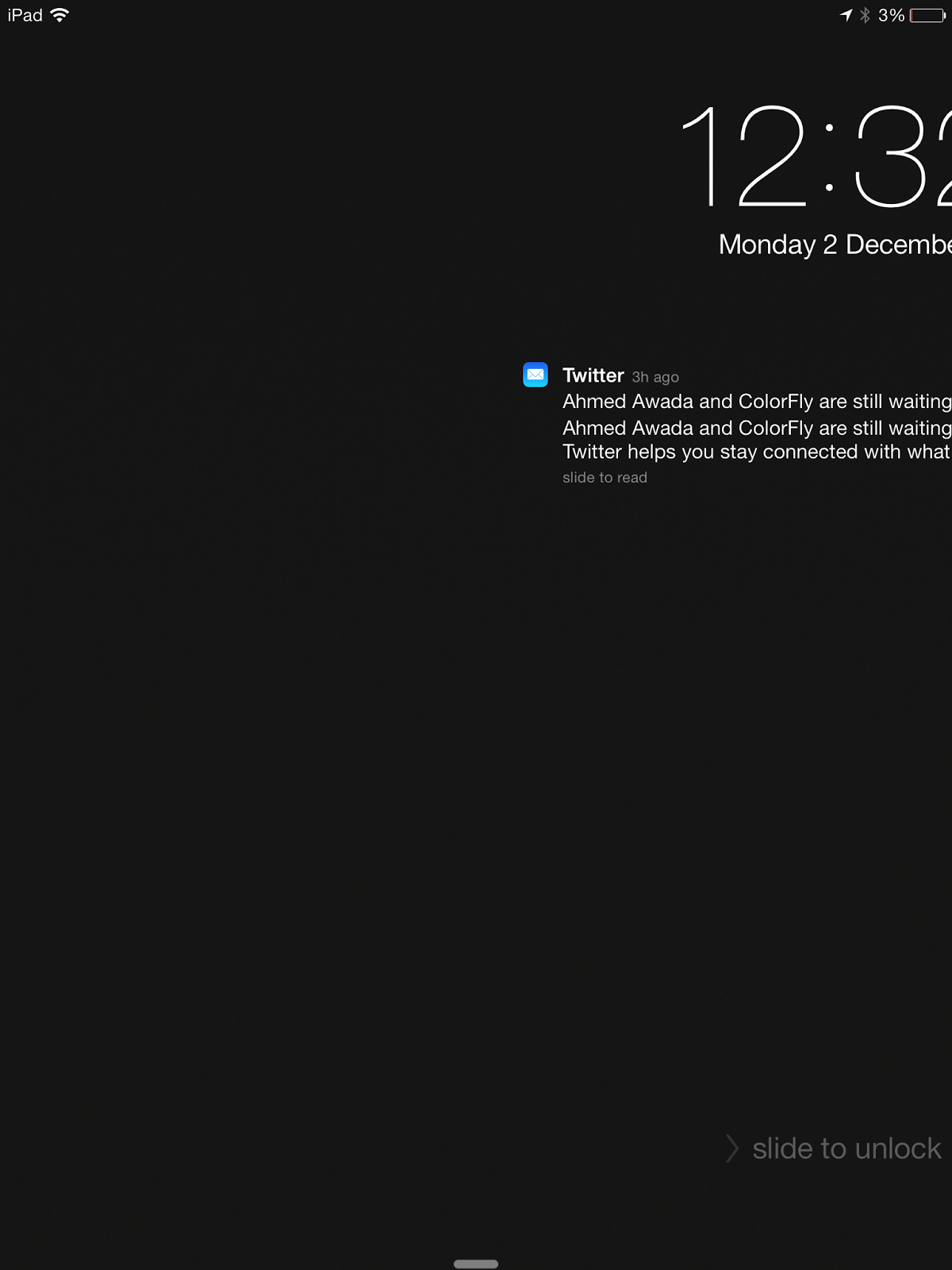
Another delayed screen during unlocking:

Tip: Prevent iOS 7 annoying Control Center from displaying while scrolling

This has been an issue since I upgraded to iOS 7.0; whenever I scroll, especially in full screen within the browser, the Control Center is annoyingly displayed without my intention to do. This is really a concern especially on small iPhone screens.

Workaround: Disable Control Center access within the applications.


Tuesday, 8 October 2013

Sure way to failure: Activating iMessage or FaceTime while roaming!

Unfortunately, iOS7 was released while I was abroad, so without any bad intentions I backed up my data and upgraded exactly on 20th September. Everything was OK and iMessage\FaceTime had no problems since they were already functioning in my home country.


Things started to happen when I noticed that iMessage was not activated for my phone number and it was only working for my e-mail, so I turned it off\on, which actually was not the case. I only turned it off, and when trying to turn it on, a message appeared confirming a message to be sent for Apple for activation and kept waiting for activation, hours passed and no reply.


A visit to Apple store advised me to approach Apple support on the Internet
http://www.apple.com/support !!!which I have followed and created two cases, where I was informed that they won't be able to help me unless I spend a day waiting for confirmation for my activation request!!! And directed me to a troubleshooting page: http://support.apple.com/kb/ts4268 which included steps that require at least one more day.

Fed up, I dropped again by Apple store which changed my device!!! Voila, still not functioning!!

Finally, with no more time to waste on this, I returned home with my issue and trying to activate, and the next time I checked my phone, they were both activated!

It is worth adding that, as per my monthly invoice, the activation message was never sent from my iPhone while I was abroad!


Tuesday, 1 October 2013

Tip: Syncing Internet Explorer Favorites (Windows 7) across different machines using Dropbox

1) Goto IE Favorites folder.
2) Change Folder Location to Dropbox "Favorites" folder.
Note: Don't forget to create the new folder  "Favorites", so that the bookmark files are not moved to the root Dropbox folder.

 3) Select the just created "Favorites" folder within Dropbox.

 4) Move all files and subfolders.


Note: In case you want to sync your bookmarks with Apple Safari bookmarks, you can still use iCloud, and selecting Internet Explorer Bookmarks for syncing.

--Update 02/10/2013----
iCloud 3.0 caused the return of my deleted files.
When I uninstalled it, everything went smooth! Of course, your bookmarks are now no longer synchronized by Safari :(
--------------------------


Applied on :
Windows 7 Professional SP1
Internet Explorer 10.0.9
Dropbox 2.0.22
iCloud 3.0

Saturday, 28 September 2013

Apple: USB Power Adapter Takeback Program

Yes, it is true and I got my 3rd party USB power adapter replaced for half the price of a new one!

How is that? Can you recall the incident of the Chinese lady who died through an electric shock while talking through the iPhone 5 while it is being charged?! Apple is trying to show that they care.

Thanks Apple.

http://www.apple.com/support/usbadapter-takeback

Starting August 16, 2013  and is valid until October 18, 2013

Thursday, 29 August 2013

Anti-Secuity Tip: Really simple iOS Passcode

1) Enable (Simple Passcode) option, so that your code can constitute 4 numeric digits only.


2) Simplest Passcode to enter is: 2 5 8 0. Four digits is a vertical line.


Tip:
- This post is not a security post as the name implies.
- This post is useful in similar cases when you register Exchange account with a policy to have a passcode; however, you are sure that your device is secure and you do want to have the least interruption with the passcode screen.

Sunday, 21 July 2013

Feature I would like to see in: Google Hangouts on iOS

Ring tones for incoming calls.

Currently at the time of this writing, there is only a default sound which plays on receiving calls. From my own experience, it is rarely noticed since for most times, me and my recipients who are using iOS devices miss our calls!


https://itunes.apple.com/us/app/hangouts/id643496868?mt=8

Google Hangouts version 1.1.1.2672
iPhone 4s
iOS 6.1.3

Friday, 12 July 2013

Feature I would like to see in iOS 6: Identifying the e-mail sender for group mailboxes

This concerns MS Exchange mailboxes for groups.

What is required is a way to be able to view the exact account sender who sent on behalf of the group mailbox.

The current behavior in iOS mail is that it only displays the sender as the group mailbox only, with no specific account.

Feature I would not like to see in Facebook version for iOS: Draging friends icons to hide chat window

Throwing my friends photo icons to the hide icon to close a chat is not the most adorable way to do so.

For a number of reasons from my point of view:
-  It is usually a long move  from the default icon location in the top to the fixed location hide icon, which is more significant with devices with larger screens like the iPad.

- Throwing the icons away to hide resembles, in my mind, throwing something to trash which is not a favorable resemblance for doing that with a friends icons to end a conversation.

Current Facebook Version 257209
iOS 6

Sunday, 30 June 2013

Organizing my iPhone sceens

That's my own settings for stting up my iPhone sceen, I do not recommend any of those applications, I just want to share with you how I organize my screens so that I would be the most productive on using them:

Screen #1: My handy most important apps.


Screen #2: Includes those which doesn't fit in the main screen and those apps which I regularly use; however, immediate access is not a priority.


 Screen #3: Those apps I sometimes tools, and they are mostly utilities. The iPhone folder contains those apps which I rarely use, or which I would hope to delete (Review my other post)


 Screen #4: Very Rarely used, but might be of value at times. For example the iBooks is not very useful at iPhone screen size, but  sometimes I get into the mode of reading a page or so!


 Screen #5: Those are my travel utilities which I use only on\during my trips.


Screen #6: Very few games and those apps which I try for some time before placing them in their permanent location.


Saturday, 29 June 2013

Feature I would like to see in iOS: Removing built in applications

For example, I do not find a value for me for any of the below marked applications; however, still I have no way of removing them from my iOS device!


Monday, 24 June 2013

Feature I would like to see back in YouTube iPhone application: Streaming through Apple Composite AV Cable

I used to have video streamed from YouTube on my iPhone to my car stereo using the Apple Composite AV Cable, this was in previous versions till the iOS 6 release, then YouTube no longer streams video through this cable :'(


Very annoying really to miss a feature through a software upgrade! 

Thursday, 20 June 2013

Apple FaceTime versus Google Hangouts on iOS 6

In my first review for a replacement to Apple FaceTime that would be compatible on Android devices as well as Apple's, I was excessively receiving the below message using Google Hangouts, using two separate
accounts for each of my iPhone 4S and iPad Retina.


Of course, Facetime was doing so fine with both. At least it works.
After succeeding to set a connection using Google Hangouts for only two participants, the modest video quality was so apparent in comparison to FaceTime.

Hard Luck Google, my first experience with Google hangouts was far from my expectations from a released product, not even a beta!